Free Resources!
We would love you to join us in our in-school TY Programmes, our after-school clubs and our online classes.
In the meantime, we have curated free coding and digital literacy resources for you.
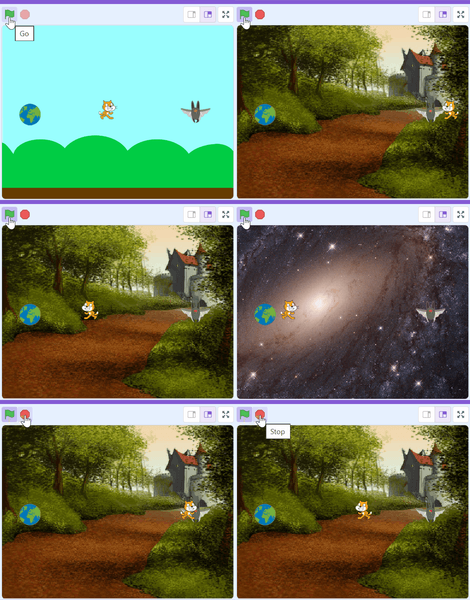
Scratch
Scratch is a free, visual block-based programming language and online community designed primarily for children (ages 8-16) to create interactive stories, games, and animations. Developed by the MIT Media Lab, it uses drag-and-drop, puzzle-piece-like blocks to teach fundamental coding concepts.
You can create an account - which means you can save all the animations and games you make!
Here is a link below to a short video we made that explains how to create a free scratch account, it is easy!
One of the most famous scratchers in the world is Griffpatch, Griffpatch has lots of free videos and resources about scratch!
Here is a link to Griffpatch:
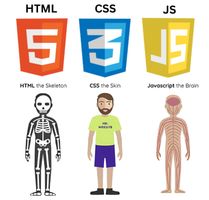
Website Design
The craft of building interfaces —
structured, styled & brought to life.
HTML / CSS / JAVA SCRIPT
One of our favorite free resources for web design is w3schools.com
It offers a free space to code as well as a huge amount of free resources for HTML, CSS and other programming languages.
Here is a link to W3 Schools first tutorial: https://www.w3schools.com/html/default.asp
Python
Python is one of the most popular and beginner-friendly programming languages in the world. Used in web development, data science, artificial intelligence, and automation, it is a fantastic first language to learn — and a powerful one to grow with.
One of the best free resources to get started is CS50's Introduction to Programming with Python from Harvard — completely free and beginner-friendly.
Another great place to practice Python in your browser (no installation needed!) is trinket.io — you can write and run Python code instantly.
For structured lessons and tutorials, W3Schools also has a brilliant free Python course, perfect for beginners:
Here is a link: w3schools.com/python
AI Prompting & Agents
AI isn’t just for tech experts—it’s a powerful tool you can use to brainstorm ideas, write stories, or solve tricky problems. Learning how to "prompt" is like learning a new language to talk to computers, helping you get the best possible results from tools like Gemini and ChatGPT.
Whether you are looking to streamline your workflow or find new ways to navigate daily tasks, you will learn how to communicate with AI in a way that feels natural and productive. Explore strategies for getting useful, personalized responses, understand how to refine your requests, and learn how to handle the occasional AI "hallucination" with confidence.
One of the best ways for adults to start learning about AI is to use it!
Try it out yourself:
Top Resources to Get Started:
Start with this excellent AI for Beginners playlist which shows you how to build your own personal AI assistant for everyday life:
https://youtube.com/playlist?list=PLTADNvjCW8e0PMQ2vAfY7tiVoUSNZ8p7I&si=JNwZAqrRKdC6ILOW
For a deeper dive into how these models actually work, check out Google’s Generative AI Learning Path—it’s free and breaks down big concepts into bite-sized lessons.